Logging
Set up a private logging channel to record all Chat Rewards activity. Logs are your primary tool for investigating credit disputes, monitoring for abuse, and auditing configuration changes.
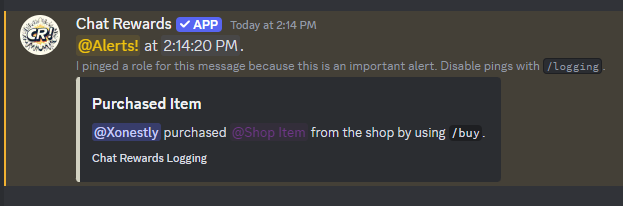
Setup
/logging [log_channel] [alert_role]
log_channel— channel where all logs are sent (bot needs View Channel and Send Messages)alert_role(optional) — a role pinged only for important events (not routine logs)- Run with both parameters empty to disable logging
Example:
/logging #bot-logs @mods
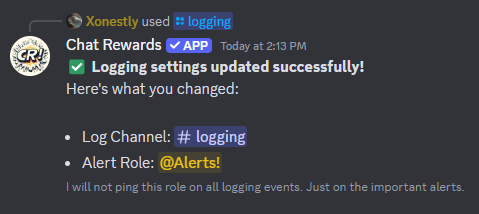
What Gets Logged
Credit events: credits given/removed by admins, transfers between members, shop purchases
Spawn events: use of /spawn commands
Admin actions: shop item changes, rate changes, active channel changes, blacklist changes, configuration updates, and all other setting changes
Alert Role
The bot pings the alert role only for high-priority events — major configuration changes (like /credits purge) or critical errors. It does not ping for routine logs like shop purchases or minor config tweaks.
Set this to a small staff role (like @Mods) so alerts reach the right people without spamming.
Disabling Logging
/logging
Run with no arguments to disable and remove the logging configuration.
Channel Setup Tips
Keep the logging channel private — readable only by admins and mods, writable only by the bot:
- Admins/Mods: View + Read History
- Bot: View + Send Messages
- Everyone else: No access
Common naming: #chat-rewards-logs, #cr-logs, #bot-logs
Troubleshooting
Logs aren't appearing:
- Bot has Send Messages permission in the log channel
- The log channel still exists (deleting it is the most common cause)
- Logging is still enabled — run
/loggingto check